Can use as context
- Authorized Search Console sites selected for the organization.
- Search analytics for clicks, impressions, CTR, position, queries, pages, and dates.
- Sitemap status and URL inspection context for selected sites.
Analytics integration
Monitor authorized sites, queries, indexing, and sitemaps without broad Search Console access.
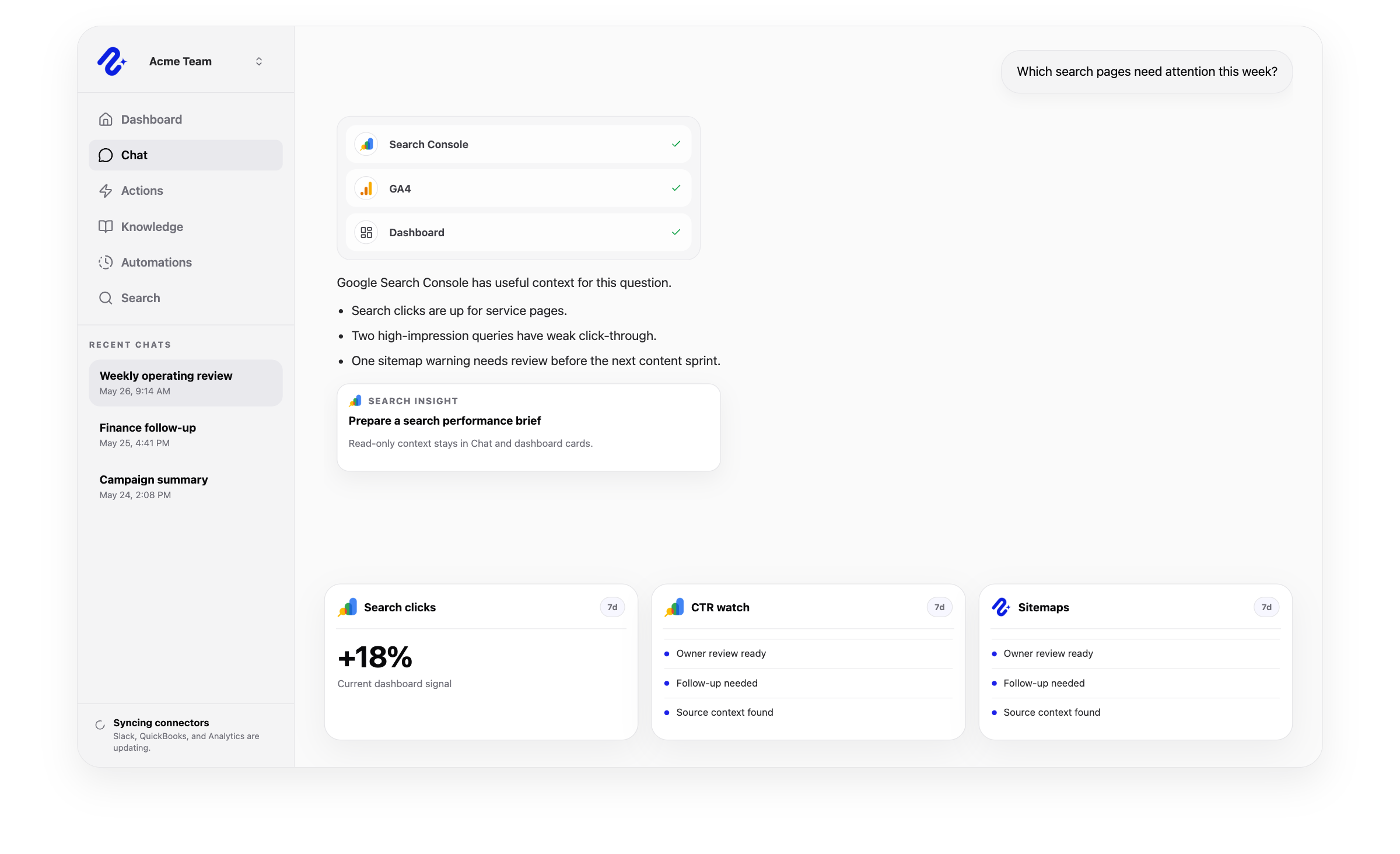

Access: Shared organization connection. Use this connector in dashboards, AI chat, reports, and reviewed workflows.
Access and actions
Nurii uses authorized Google Search Console analytics data for answers and workflows, with limits shown below.
Common workflows
Use trusted analytics data for recurring reviews and approved follow-up.
Church and nonprofit context
Review how people find church service, event, and ministry pages or nonprofit program and campaign pages.
Related platform
Dashboards
Turn connected app activity into AI operations dashboards, briefings, recommendations, and snapshots.
AI Chat
Ask across connected apps, selected files, Knowledge, dashboards, and approved memory in one business AI chat.
Automations
Run AI workflow automation on schedules or supported events for reports, monitoring, reviews, and approved follow-up.
Related
Google Search Console FAQ
Yes. Monitor authorized sites, queries, indexing, and sitemaps without broad Search Console access.
Use Google Search Console + Nurii for Search performance briefs, Top query and page reviews, Indexing and sitemap checks, AI chat, dashboards, reports, and supported follow-up.
Authorized Google Search Console data can include: Authorized Search Console sites selected for the organization. Search analytics for clicks, impressions, CTR, position, queries, pages, and dates. Sitemap status and URL inspection context for selected sites. Uses selected site handles rather than broad account access.
No write actions are currently supported for Google Search Console. Nurii uses Google Search Console for AI answers, dashboards, recurring reports, and monitoring.
Authorized users manage one shared Google Search Console connection and its available resources.
Yes. Authorized Google Search Console data can support recurring reports, monitoring, and follow-up. Actions depend on permissions and Nurii support.
Start with one verified report, check, or follow-up workflow.