
Integrations
Connect Planning Center and the rest of your church stack.
Use approved church-system data in shared answers, dashboards, recurring reports, and reviewed workflows.
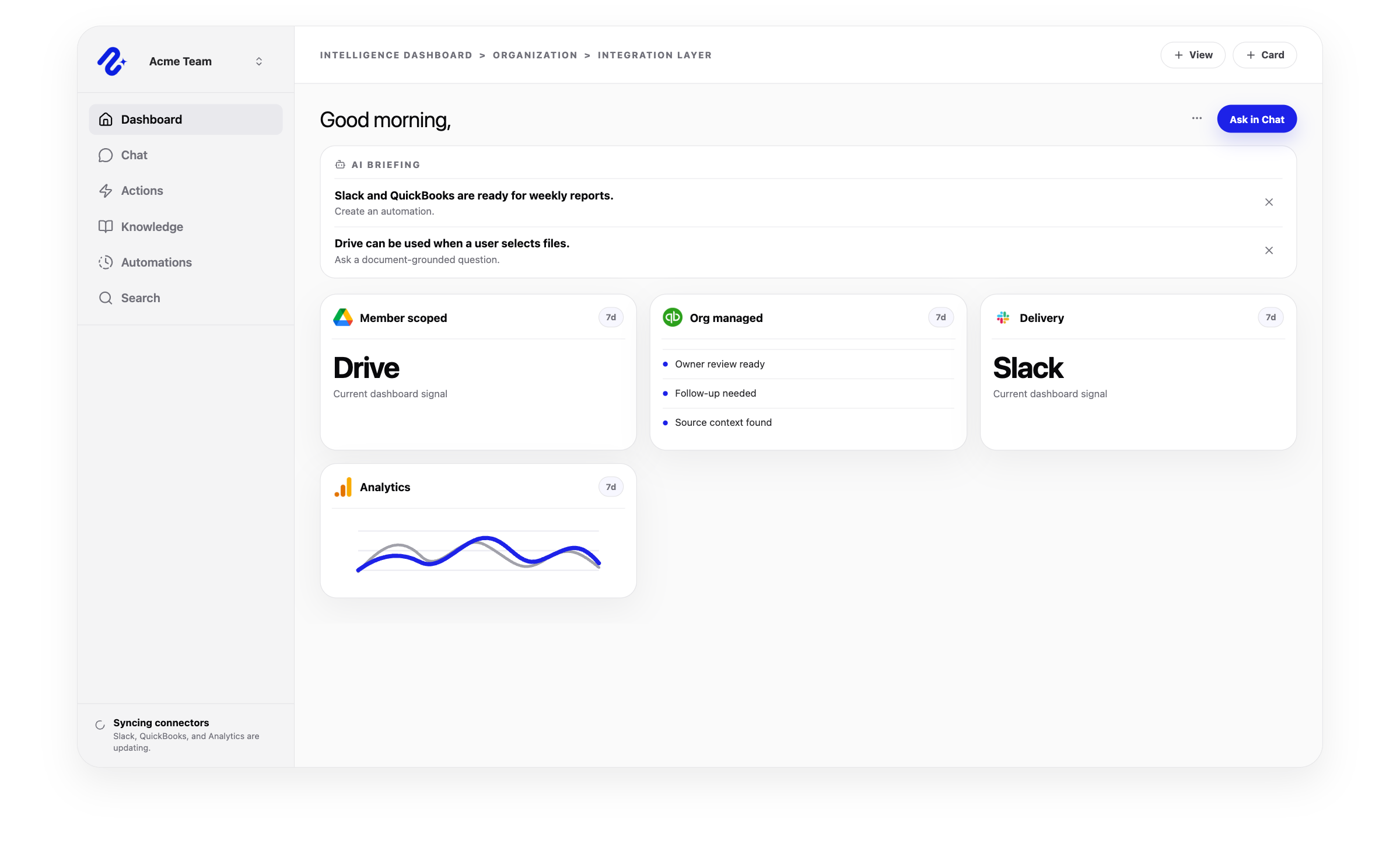
Integration categories
Start with church operations, then add the systems the workflow needs.
Church Operations Software Integrations
Church software integrations connect Planning Center, Subsplash, finance, calendars, Slack, websites, and ministry knowledge for reports and reviewable workflows.
View categoryAI CRM Integrations
Connect CRM context to Nurii for AI chat, reporting, dashboards, and approved follow-up across customer, donor, sales, and operations workflows.
View categoryAI Finance Integrations
Connect finance and payment systems to Nurii for AI finance reports, payment summaries, dashboards, and reviewed accounting follow-up.
View categoryAI Project Management Integrations
Connect Asana, Trello, and project context to Nurii for project management automation, AI status reports, task signals, cross-app answers, and reviewed follow-up.
View categoryAI Marketing Integrations
Connect paid ads, marketing, analytics, CRM, and website tools to Nurii for AI campaign reports, cross-app answers, and approved follow-up.
View categoryConnector catalog
Built for the work between systems, not a longer connector list.
Each page lists supported access, actions, and review boundaries.

Planning Center
Use approved Planning Center data in church dashboards, recurring reports, volunteer coverage checks, and reviewed follow-up.
View integration
Subsplash
Bring approved Subsplash giving, engagement, communication, and website signals into broader church operations reporting.
View integration
Asana
Sync projects, tasks, sections, comments, and workspace context for Asana automation, project visibility, and task-triggered workflows.
View integration
Google Analytics
Ask questions about selected GA4 properties with clear property access limits.
View integration
Google Ads
Monitor selected Google Ads accounts in AI dashboards, campaign reports, and cross-app answers.
View integration
Meta Ads
Monitor selected Meta Ads ad accounts in AI dashboards, campaign reports, and cross-app answers.
View integration
Google Search Console
Ask questions about selected Search Console sites with explicit site access limits.
View integration
Google Calendar
Query selected calendars and bring event context into planning, reports, and AI chat answers.
View integration
Google Drive
Attach chosen files to AI chat conversations through the Drive picker.
View integration
HubSpot
Read authorized CRM domains and prepare approved CRM object actions.
View integration
Salesforce
Use selected Salesforce CRM domains in AI chat, dashboards, reports, and approved Salesforce actions.
View integration
Mailchimp
Bring campaign and audience activity into reporting, dashboards, and approved follow-up work.
View integration
Klaviyo
Bring Klaviyo campaigns, flows, audiences, profiles, events, and metrics into AI reporting, dashboards, and cross-app answers.
View integration
Notion
Sync pages, blocks, databases, and workspace context for searchable team knowledge.
View integration
QuickBooks
Bring finance signals into dashboards, reporting, and approved accounting workflows.
View integration
Xero
Sync Xero accounting data into AI dashboards, reports, and cross-app finance answers.
View integration
Shopify
Sync Shopify store data into AI answers, dashboards, and recurring commerce reports.
View integration
Slack
Search selected Slack context, deliver automation reports, and keep teams aligned.
View integration
Stripe
Sync payment resources into queryable operational views.
View integration
Trello
Use board, card, list, member, label, due date, and comment context for Trello automation and project visibility.
View integration
WordPress
Ask about approved sites and prepare website updates through reviewed workflows.
View integrationIntegrations FAQ
Questions about connecting church and nonprofit systems.
What integrations does Nurii support?
Nurii connects project, analytics, calendar, document, CRM, marketing, commerce, finance, church, communication, knowledge, and web tools.
Can Nurii answer questions across multiple connected apps?
Yes. Authorized tools and resources can support cross-app AI chat, dashboards, reports, and approved workflows.
Are Nurii integrations shared by the organization or connected by each member?
Both. Each connector page identifies shared or member-owned access.
Can Nurii automate work across integrations?
Yes. Schedule reports, monitoring, summaries, and follow-up across authorized tools. Review supported writes first.
What if we need an integration that is not listed?
Send us the system and workflow so we can evaluate it.
A church stack is rarely just one platform.
Map the systems behind your first report, check, or follow-up workflow.