
Platform
The AI operations platform for the work between your church tools.
Connect dashboards, cross-app answers, Knowledge, AI workflow automation, and approved actions around Planning Center and other church tools.
How it works
Connect the systems needed for one recurring job.
Choose the workflow, sources, access, knowledge, and reviewer.
Connect
Authorize only the systems and resources the workflow needs.
Ask and see
Review changes, volunteer needs, and follow-up across approved sources.
Run with control
Schedule the work and choose which actions need review.
Platform pages
Explore the Nurii platform by feature.
Dashboards
AI dashboards that explain what changed and what needs attention.
Turn connected app activity into AI operations dashboards, briefings, recommendations, and snapshots.
AI Chat
AI chat that understands your organization, not just your prompt.
Ask across connected apps, selected files, Knowledge, dashboards, and approved memory in one business AI chat.
Automations
AI automations that run on a schedule or when work changes.
Run AI workflow automation on schedules or supported events for reports, monitoring, reviews, and approved follow-up.
Approved Actions
Human-in-the-loop AI actions that keep work moving after review.
Prepare updates, tasks, comments, CRM changes, and finance follow-up for human review.
Knowledge
AI knowledge management for operating truth, files, and SOPs.
Build an AI knowledge base from selected files, SOPs, and maintained context—separate from chat memory.
Memory
AI memory that preserves useful context without blurring the source of truth.
Preserve approved preferences and working patterns while keeping Knowledge and connected app data separate.
One view across your connected apps
See what is happening across your church.
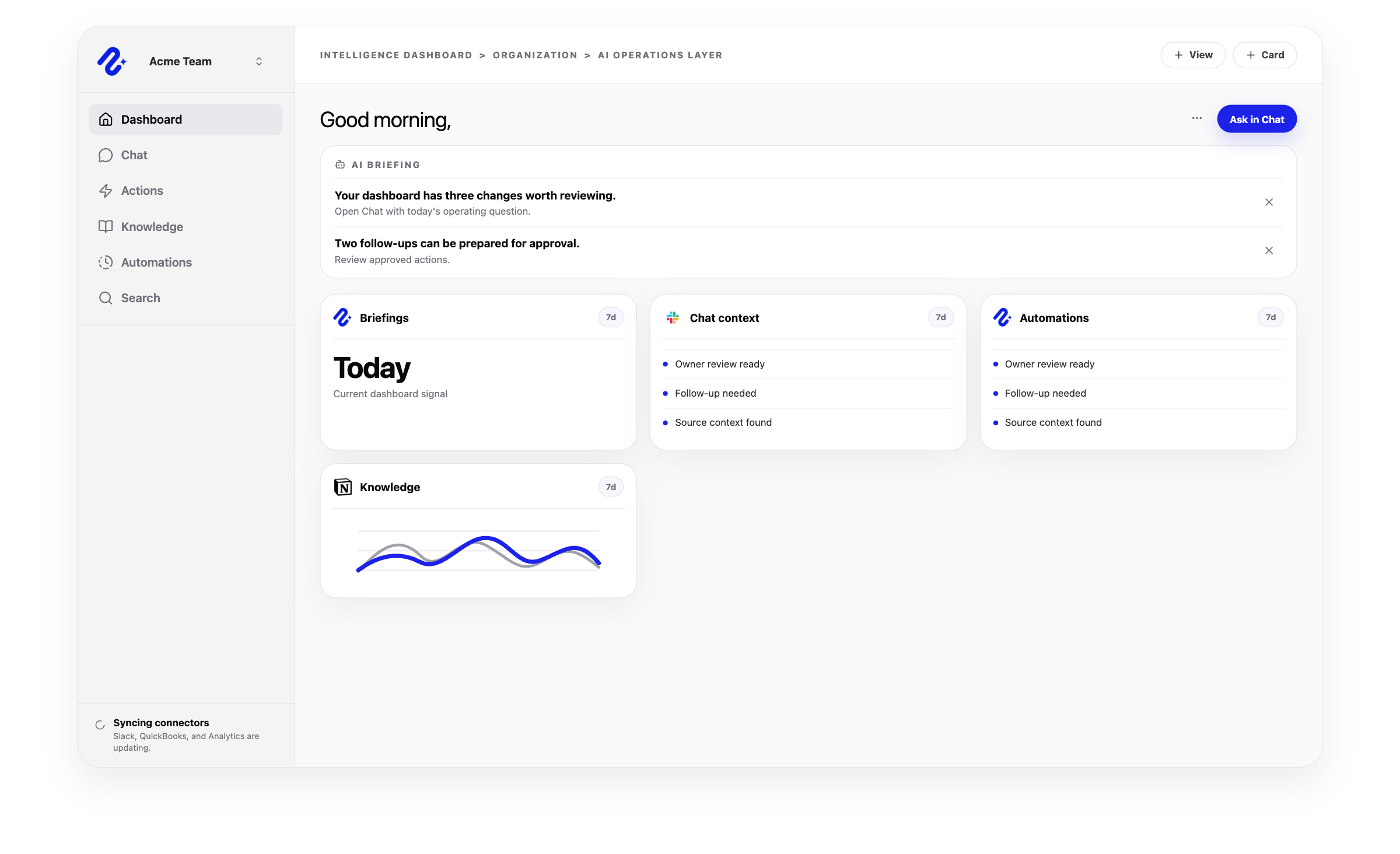
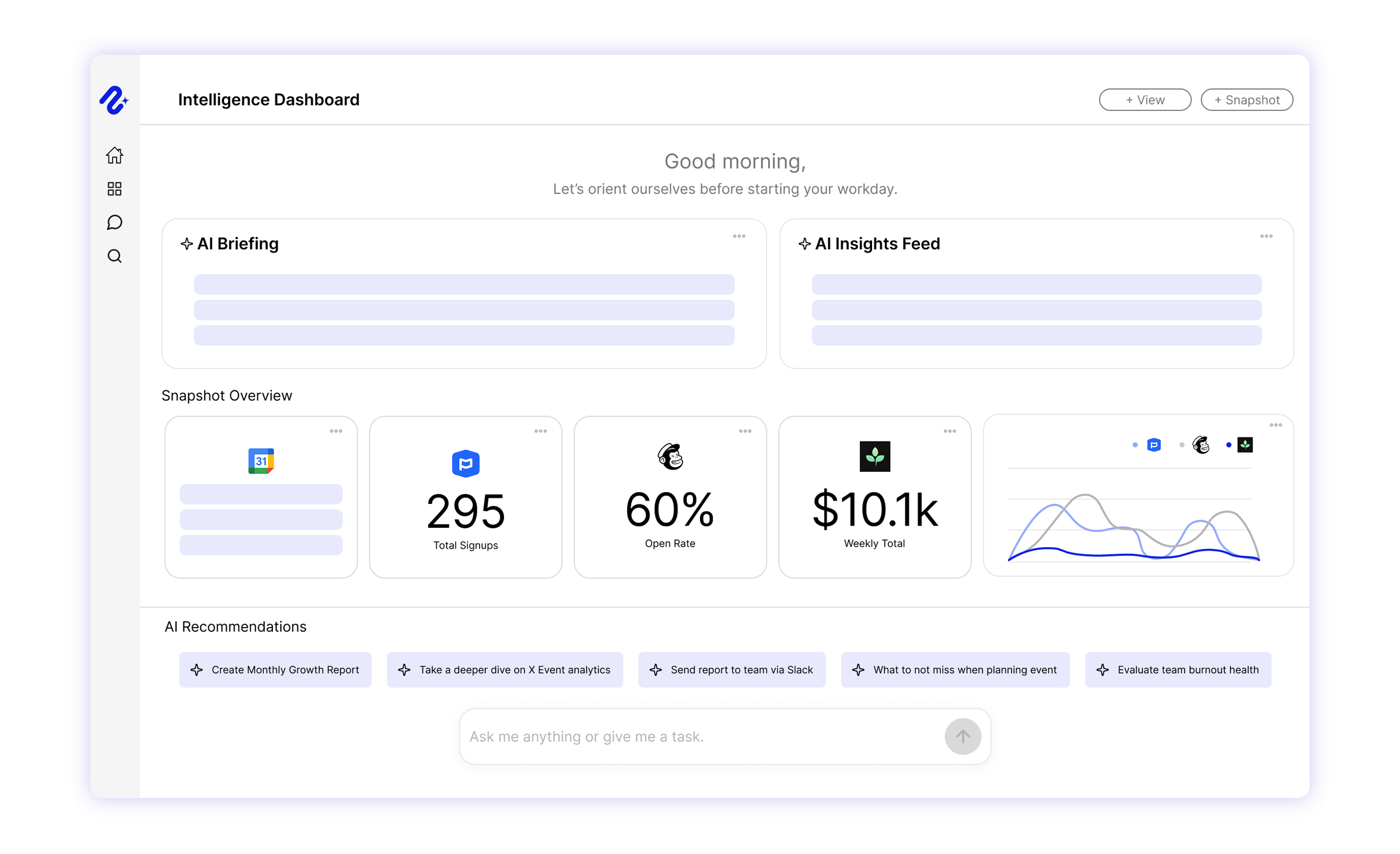
Nurii Intelligence Dashboards turn approved church data into shareable views, so leaders see relevant signals without opening every app.
- Attendance, engagement, giving, serving, volunteer, event, and follow-up signals in one view
- Focused dashboards for executive pastors, operations, ministry, finance, and campuses
- Briefings and snapshots that make changes and unresolved gaps easier to see
Church operations knowledge in one place
One place to ask how your church works.
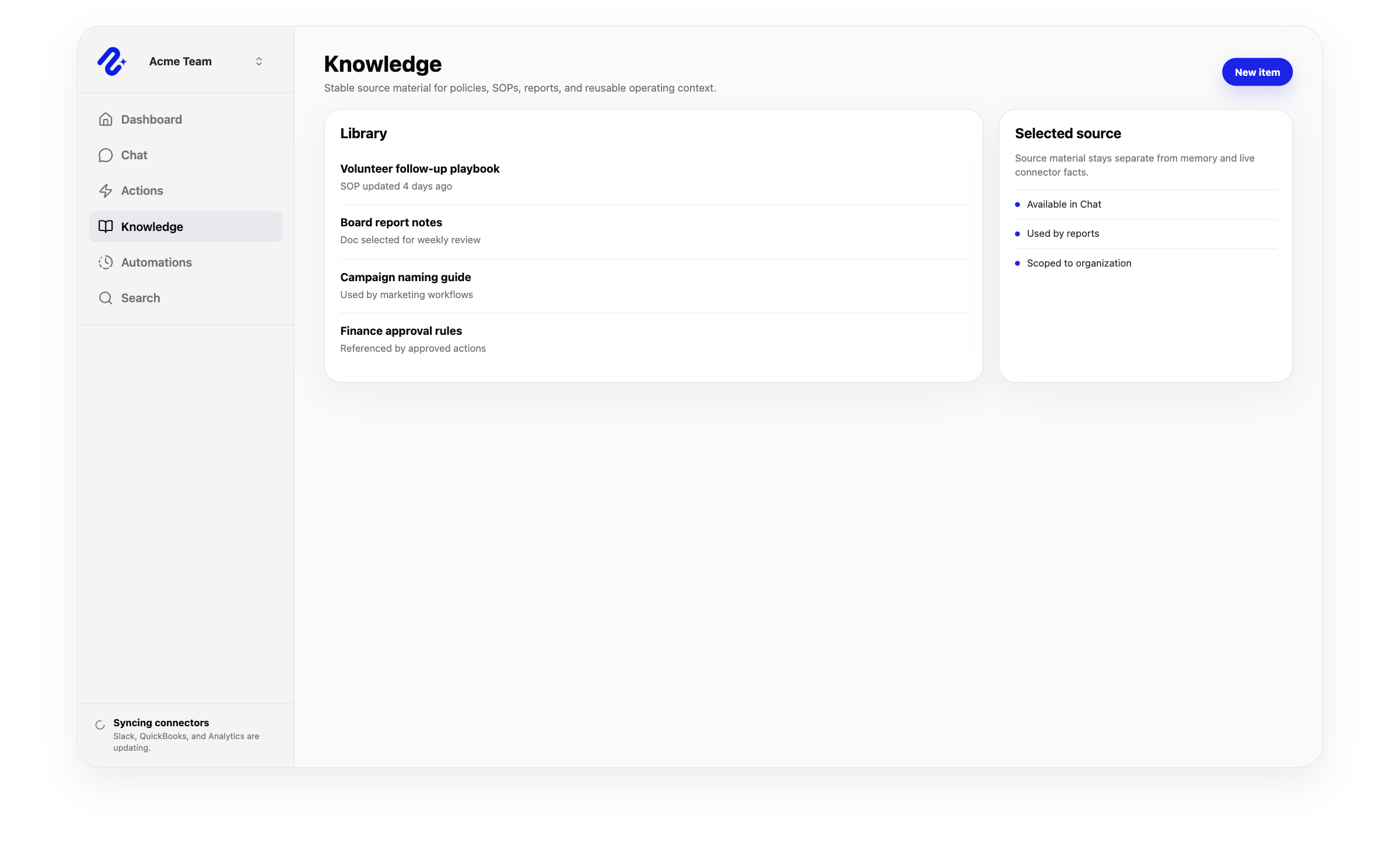
Nurii Knowledge turns approved SOPs, policies, ministry notes, files, and instructions into a searchable church operations wiki.
- Fast answers about service procedures, volunteer guidance, facilities, and communication standards
- More consistent onboarding for staff and volunteers
- Approved policies, owners, and review rules available to recurring workflows
Automations
Put recurring church work on a reliable rhythm.
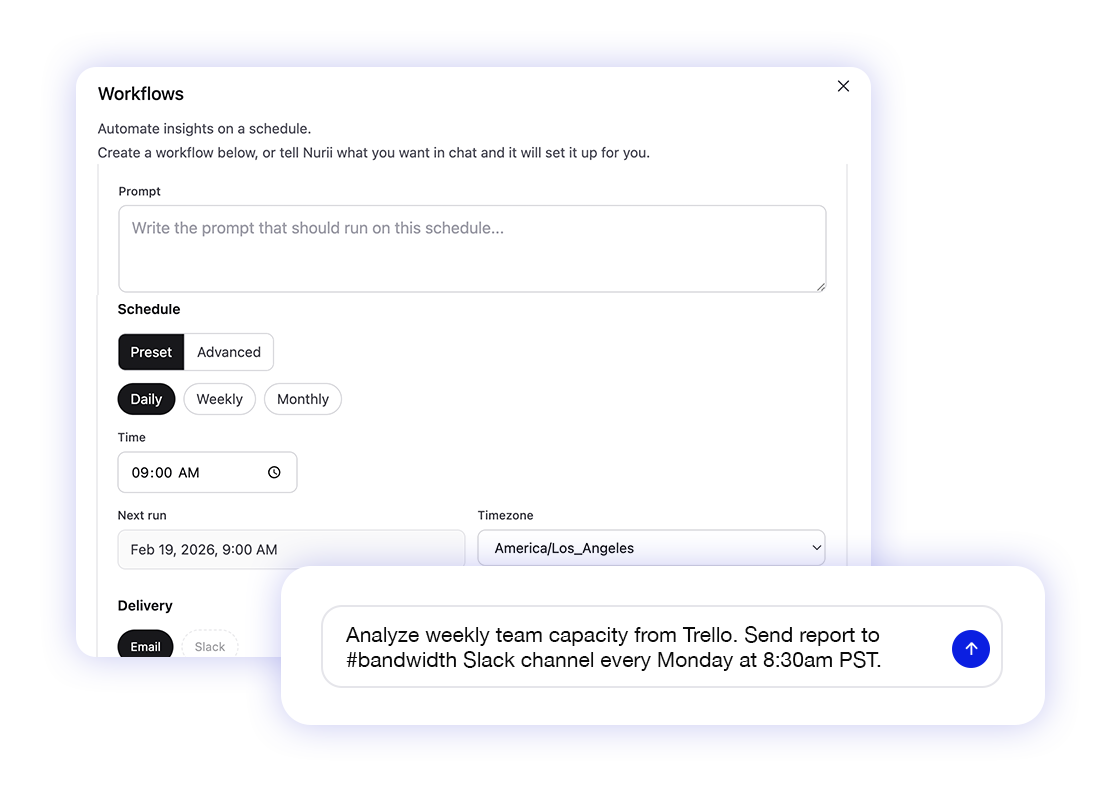
Run leadership reports, Planning Center reviews, event checks, and follow-up on a schedule or supported event. Send results to email or Slack; review changes first.
- Daily, weekly, monthly, advanced schedules, Asana task events, and Trello card events
- Email and Slack delivery targets
- Staff-controlled actions for routine follow-up
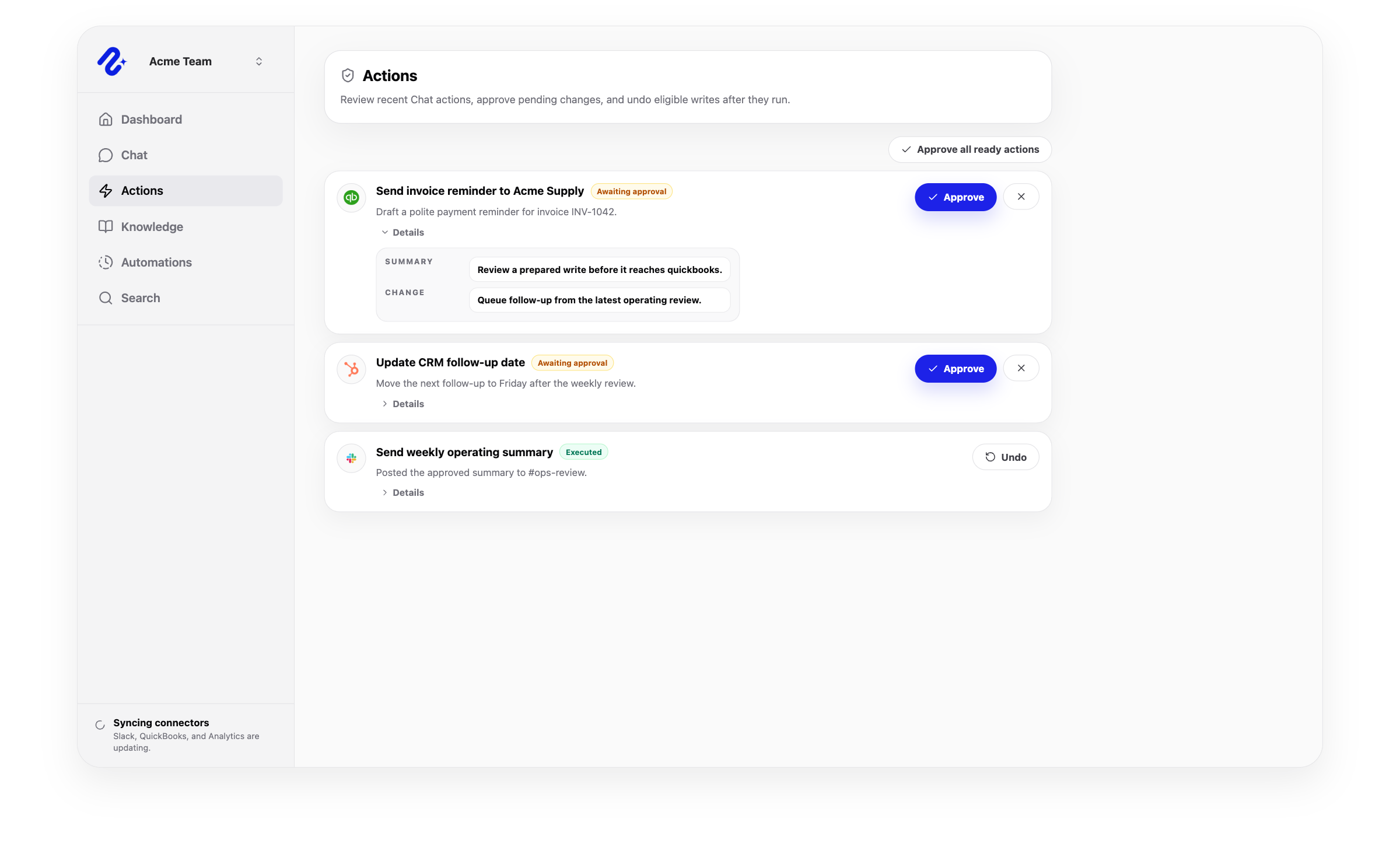
Approved actions
Let staff review sensitive work before it moves.
Review important changes one by one and allow selected routine actions in advance.
- Proposal-first execution for supported write actions
- Same-thread continuation after approval, denial, or failure
- Stop active work and undo supported actions
Platform FAQ
Questions about the Nurii platform.
What is included in the Nurii platform?
Nurii includes AI dashboards, business AI chat, Knowledge, approved memory, scheduled AI automations, app connectors, and reviewed actions.
How does Nurii connect apps, dashboards, chat, and automations?
One set of approved sources supports dashboards, chat, reports, and reviewed follow-up.
Can teams use Nurii without developers?
Yes. Church, nonprofit, operations, marketing, finance, and admin teams can configure workflows without building custom AI.
How does Nurii keep AI work controlled?
Scoped connectors, selected resources, permissions, context boundaries, and reviewed writes keep work controlled.
What should teams connect first?
Connect only the tools needed for one recurring question or workflow.
Automate recurring work across your church systems.
Start with one verified report, check, or follow-up workflow.