
AI workflow automation for churches
Automate the church reports, checks, and follow-up your staff repeats.
Use approved church data to run recurring church workflows: scheduled or event-started reports, checks, and follow-up. Staff review consequential changes.
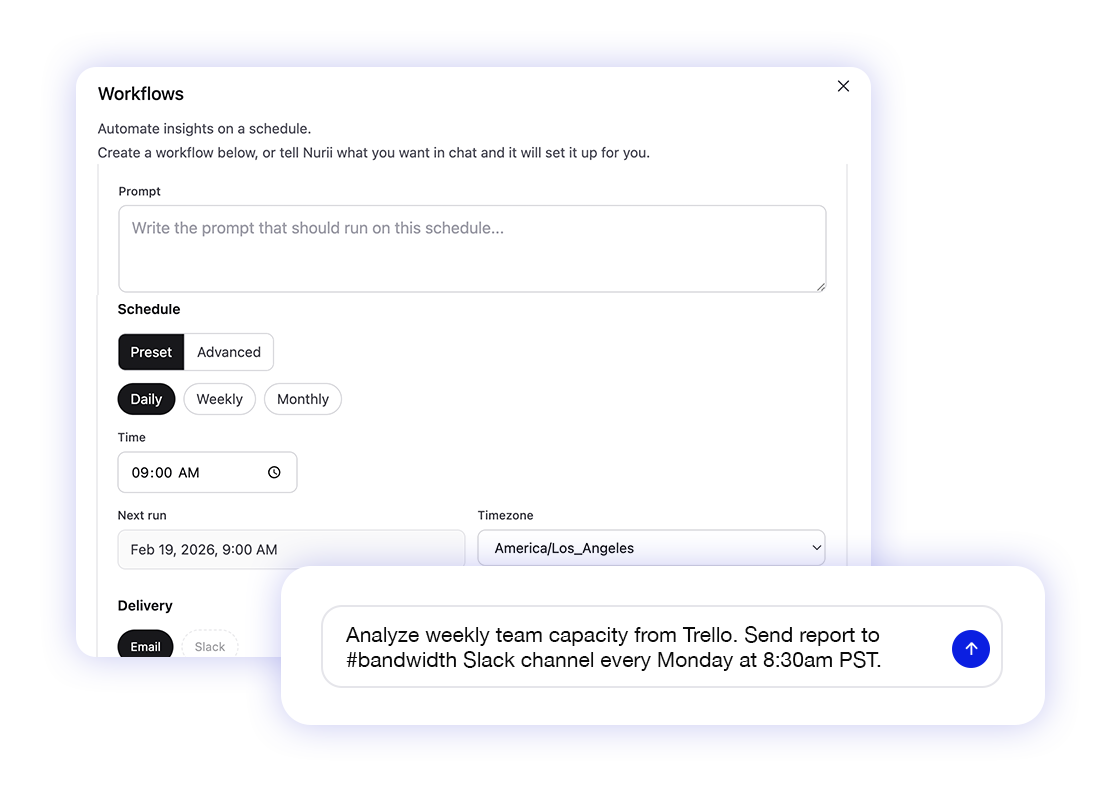
Church automation examples
Start with work your team already repeats.
Choose one recurring, verifiable workflow and owner before adding sources or actions.
Weekly before services
Sunday volunteer gap review
Check plans, positions, schedules, blockouts, and assignments. Send gaps and proposed Planning Center updates for approval.
Weekly after giving closes
Weekly giving report
Summarize giving, fund movement, finance, and admin follow-up for email or Slack.
Before major events
Event readiness digest
Check calendars, plans, notes, documents, and owners before the event starts.
Daily or weekly
New person follow-up review
Review people, workflows, groups, notes, and follow-up; prepare next steps for the ministry owner.
After services or campaigns
Website and communication prep
Draft reviewed WordPress or Mailchimp updates from approved Knowledge.
Before staff meeting
Weekly ministry operations brief
Combine planning, giving, finance, communications, and web data into a brief with reviewable follow-up.
Launch path
Build the workflow before adding write actions.
Define the question, sources, and review rule before any system changes.
- 1
Pick one recurring church workflow with a clear owner and cadence.
- 2
Choose the approved sources that answer the weekly question.
- 3
Run the workflow in read-only reporting mode first.
- 4
Tune noisy sections before adding actions.
- 5
Choose which actions need review and which can run automatically.
Related church workflows
Connect each automation to the work around it.
Planning Center AI
Use Planning Center context in dashboards, reports, and reviewed church operations workflows.
Weekly church operations report
Turn the weekly ministry review into a recurring report across approved church systems.
Church operations brief template
Plan the sources, output, delivery, and review rules for a recurring church operations brief.
Church automation FAQ
Questions about AI church automations.
What are AI workflow automations for churches?
They use authorized church data to run recurring reports, monitors, and follow-up drafts.
Can Nurii schedule volunteers in Planning Center?
Nurii does not choose who should serve or replace Planning Center's Auto-Schedule. It can make supported schedule changes your team allows.
Can church automations send giving reports?
Yes. Deliver recurring giving and finance summaries from approved data to email or Slack.
Should churches start with read-only automations?
Yes. Add approved actions only after staff trust the read-only output, source scope, and review rules.
Design the first church automation around your real week.
Map its tools, access, cadence, and review rules.