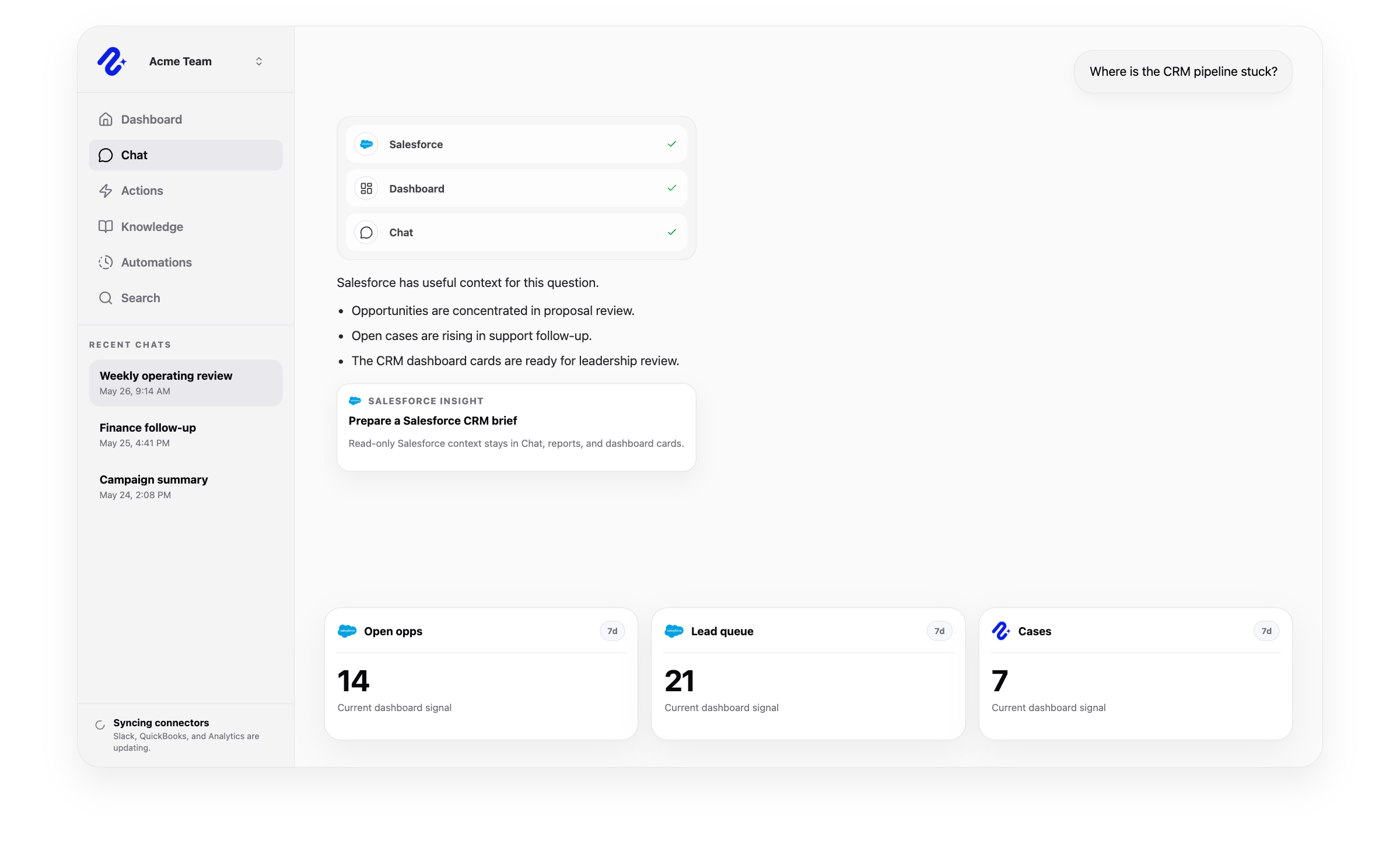
Nurii uses authorized Salesforce CRM data for answers and workflows, with limits shown below.
Can use as context
Authorized Salesforce orgs and selected CRM domains, including accounts, contacts, leads, opportunities, cases, and users.
CRM object fields used for account context, pipeline health, lead status, and service demand dashboard cards.
Salesforce API results used in AI chat, dashboards, recurring reports, and cross-app operating questions.
Actions Nurii can prepare
Create or update accounts, contacts, leads, opportunities, and cases.
Move opportunity stages, update case statuses, and add internal case comments.
Create, update, and complete Salesforce tasks, plus create and update Salesforce events tied to selected CRM records.
Assign record owners and manage opportunity contact roles after review.
Important boundaries
Requires a selected Salesforce org and selected CRM domains.
Uses server-side OAuth credentials and opaque org handles rather than exposing Salesforce IDs broadly in AI tools.
Supported writes are prepared for review and depend on member permissions, connector setup, and enabled action access.
Owner assignment requires selected user access; opportunity contact roles require selected opportunity and contact access.
Case comments default to internal notes, and custom objects, arbitrary custom fields, deletes, bulk operations, lead conversion, campaign administration, and broad CRM administration remain excluded.
Common workflows
What teams can do with Salesforce and Nurii
Use trusted CRM data for recurring reviews and approved follow-up.
Salesforce AI assistantCRM AI assistantSalesforce dashboard AI
Church and nonprofit context
Use authorized Salesforce data in nonprofit development or program reports and run supported updates under staff control. Salesforce remains the CRM.
Yes. Ask about authorized Salesforce records, then review supported actions or allow selected actions in advance.
What can teams do with Salesforce + Nurii?
Use Salesforce + Nurii for CRM pipeline dashboards, Lead and case status reviews, Approved Salesforce actions, Owner and contact-role routing, AI chat, dashboards, reports, and supported follow-up.
What can Nurii access in Salesforce?
Authorized Salesforce data can include: Authorized Salesforce orgs and selected CRM domains, including accounts, contacts, leads, opportunities, cases, and users. CRM object fields used for account context, pipeline health, lead status, and service demand dashboard cards. Salesforce API results used in AI chat, dashboards, recurring reports, and cross-app operating questions. Requires a selected Salesforce org and selected CRM domains.
Can Nurii take action in Salesforce?
Yes. Your team controls when Nurii can run these supported actions: Create or update accounts, contacts, leads, opportunities, and cases. Move opportunity stages, update case statuses, and add internal case comments. Create, update, and complete Salesforce tasks, plus create and update Salesforce events tied to selected CRM records.
Is the Salesforce integration shared or connected by each member?
Authorized users manage one shared Salesforce connection and its available resources.
Can Nurii use Salesforce data in AI automations?
Yes. Authorized Salesforce data can support recurring reports, monitoring, and follow-up. Actions depend on permissions and Nurii support.
Automate recurring work across your church systems.
Start with one verified report, check, or follow-up workflow.