Can use as context
- Authorized CRM domains, including contacts, companies, deals, and tickets.
- Owners and CRM property metadata for selected domains.
- Timeline and activity context tied to selected CRM records.
CRM integration
Nurii can help teams inspect HubSpot contacts, companies, deals, tickets, owners, and metadata while routing CRM write operations through approvals.
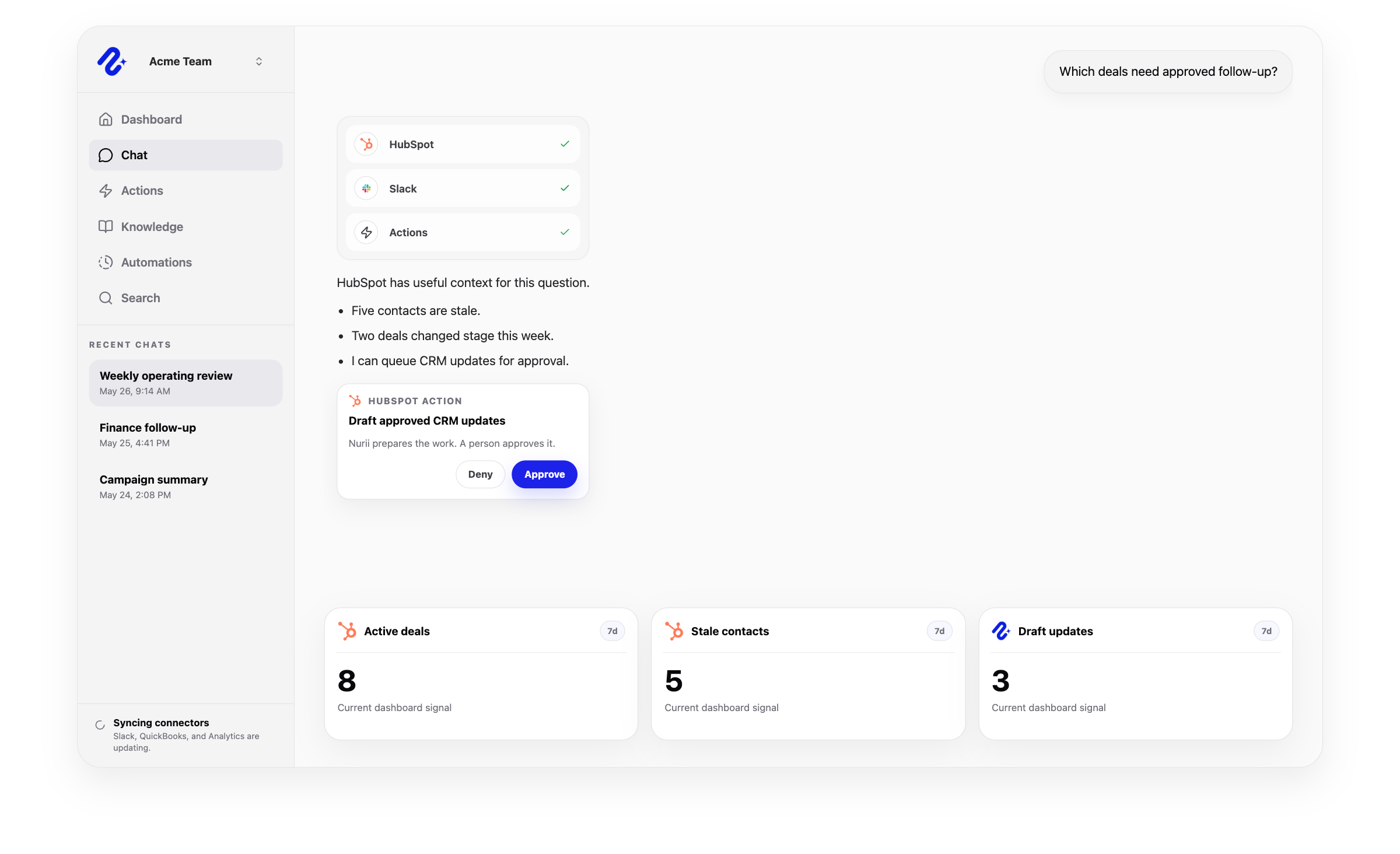

Access: Shared organization connection. Use this connector in dashboards, AI chat, reports, and reviewed workflows.
Access and actions
Nurii uses authorized HubSpot CRM data for answers and workflows, with limits shown below.
Common workflows
Use trusted CRM data for recurring reviews and approved follow-up.
Church and nonprofit context
Use authorized CRM data for nonprofit development reports and reviewed follow-up. HubSpot remains the CRM; staff make relationship decisions.
Related platform
Dashboards
Turn connected app activity into AI operations dashboards, briefings, recommendations, and snapshots.
AI Chat
Ask across connected apps, selected files, Knowledge, dashboards, and approved memory in one business AI chat.
Approved Actions
Prepare updates, tasks, comments, CRM changes, and finance follow-up for human review.
HubSpot FAQ
Yes. Nurii can help teams inspect HubSpot contacts, companies, deals, tickets, owners, and metadata while routing CRM write operations through approvals.
Use HubSpot + Nurii for CRM health checks, Deal and contact summaries, Approved CRM update drafts, AI chat, dashboards, reports, and supported follow-up.
Authorized HubSpot data can include: Authorized CRM domains, including contacts, companies, deals, and tickets. Owners and CRM property metadata for selected domains. Timeline and activity context tied to selected CRM records. Requires a selected HubSpot portal and selected CRM domains.
Yes. Your team controls when Nurii can run these supported actions: Create and update contacts, companies, deals, and tickets. Create or update CRM notes, tasks, calls, emails, meetings, communications, and postal mail. Create or remove associations, update stages or owners, and pin, unpin, or archive supported timeline activity.
Authorized users manage one shared HubSpot connection and its available resources.
Yes. Authorized HubSpot data can support recurring reports, monitoring, and follow-up. Actions depend on permissions and Nurii support.
Start with one verified report, check, or follow-up workflow.