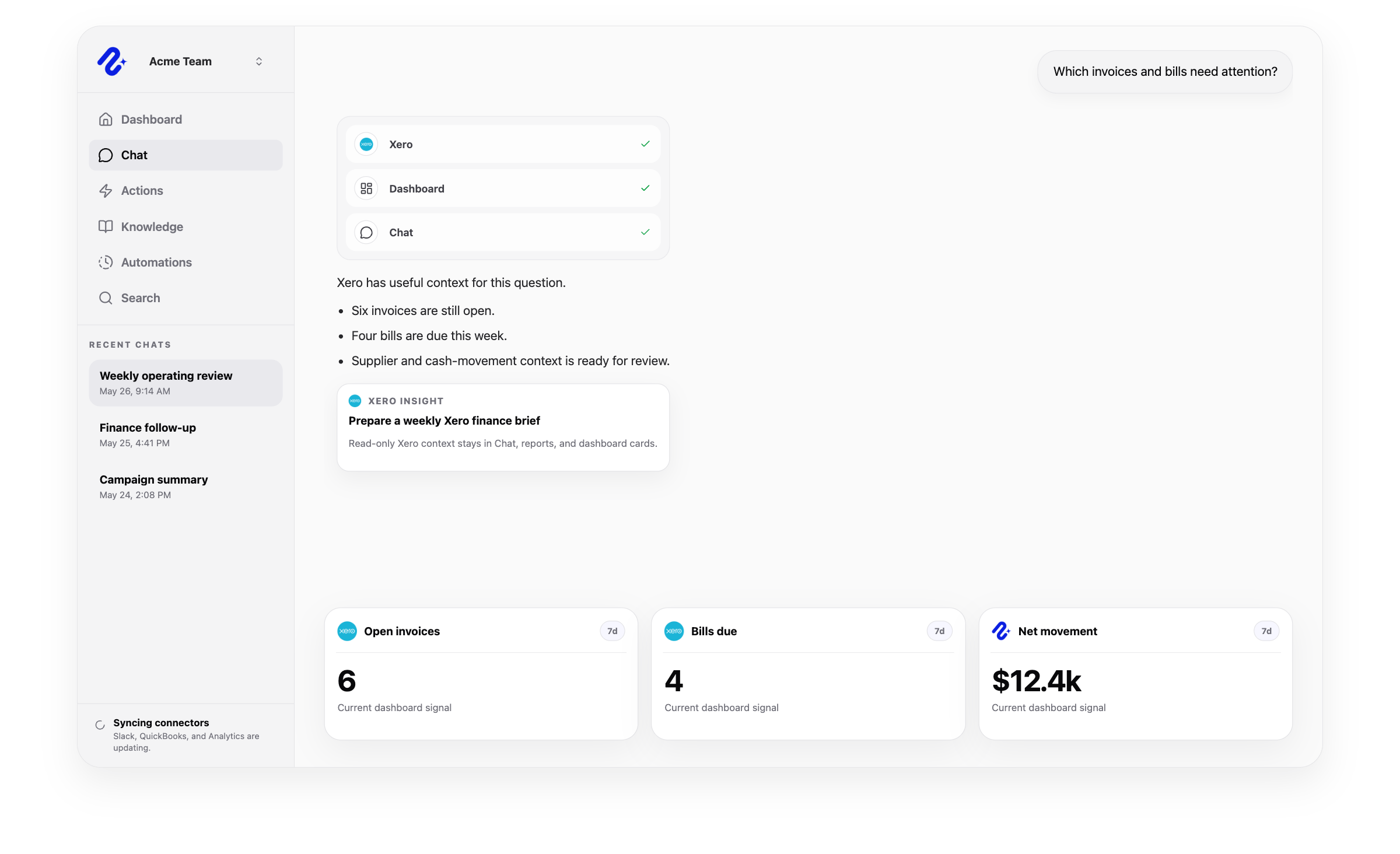
Nurii uses authorized Xero finance data for answers and workflows, with limits shown below.
Can use as context
Organizations, accounts, contacts, invoices and bills, credit notes, payments, bank transactions and transfers, purchase orders, items, budgets, manual journals, tax rates, tracking categories, and supported Xero reports.
Receivables, payables, cash movement, supplier, customer, account, and financial-statement context used in AI dashboards, reports, and cross-app finance questions.
Customer and sales or supplier and expense finance buckets where the organization grants access.
Actions Nurii can prepare
No write actions are currently supported for Xero.
Nurii uses Xero for AI finance answers, dashboards, recurring reports, and monitoring.
Important boundaries
Uses a shared organization connection; Nurii permissions control which members can see detailed Xero finance data.
Requests granular read-only Xero OAuth scopes and syncs through queued ETL, signed webhooks for supported changes, and bounded reconciliation.
Nurii does not create, update, send, approve, reconcile, void, delete, or otherwise mutate Xero records or settings.
Common workflows
What teams can do with Xero and Nurii
Use trusted finance data for recurring reviews and approved follow-up.
Xero AI assistantXero reporting automationXero finance dashboard
Church and nonprofit context
Use authorized Xero accounting data in church finance and operations reports or nonprofit board and program reviews. Xero remains the accounting system; Nurii access is read-only.
Yes. Use read-only Xero data for invoice, bill, payment, cash-movement, and supplier reviews while Xero remains the source of record.
What can teams do with Xero + Nurii?
Use Xero + Nurii for Weekly Xero finance briefs, Receivables and payables reviews, Cash movement and supplier summaries, AI chat, dashboards, reports, and monitoring. Xero access remains read-only.
What can Nurii access in Xero?
Authorized Xero data can include: Organizations, accounts, contacts, invoices and bills, credit notes, payments, bank transactions and transfers, purchase orders, items, budgets, manual journals, tax rates, tracking categories, and supported Xero reports. Receivables, payables, cash movement, supplier, customer, account, and financial-statement context used in AI dashboards, reports, and cross-app finance questions. Customer and sales or supplier and expense finance buckets where the organization grants access. Uses a shared organization connection; Nurii permissions control which members can see detailed Xero finance data.
Can Nurii take action in Xero?
No write actions are currently supported for Xero. Nurii uses Xero for AI finance answers, dashboards, recurring reports, and monitoring.
Is the Xero integration shared or connected by each member?
Authorized users manage one shared Xero connection and its available resources.
Can Nurii use Xero data in AI automations?
Yes. Authorized Xero data can support scheduled workflows, reports, dashboards, monitoring, and cross-app finance answers. The connector is read-only today.
Automate recurring work across your church systems.
Start with one verified report, check, or follow-up workflow.