
Can use as context
- Authorized sites, posts, pages, media, comments, categories, and tags.
- Website content context for campaign and operations review.
- Content signals that can be combined with calendars, marketing, Knowledge, and reports.
Website integration
Nurii connects WordPress content and site activity with planning, campaigns, and operations so teams can keep pages current with less tab switching.
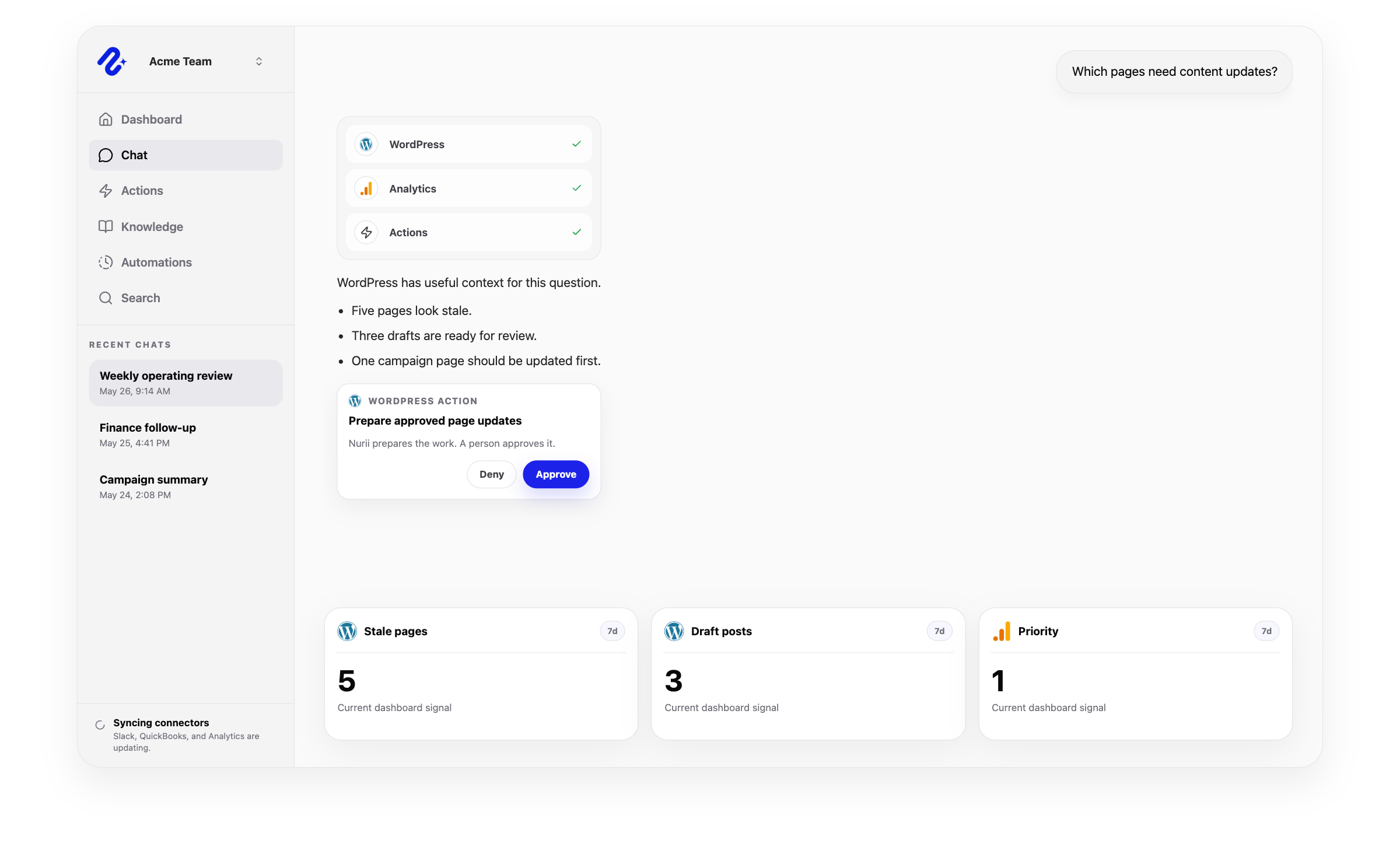

Access: Shared organization connection. Use this connector in dashboards, AI chat, reports, and reviewed workflows.
Access and actions
Nurii uses authorized WordPress website data for answers and workflows, with limits shown below.
Common workflows
Use trusted website data for recurring reviews and approved follow-up.
Church and nonprofit context
Prepare church or nonprofit page updates from approved context, then review them or allow selected actions in advance.
Related platform
Automations
Run AI workflow automation on schedules or supported events for reports, monitoring, reviews, and approved follow-up.
Approved Actions
Prepare updates, tasks, comments, CRM changes, and finance follow-up for human review.
Knowledge
Build an AI knowledge base from selected files, SOPs, and maintained context—separate from chat memory.
WordPress FAQ
Yes. Nurii connects WordPress content and site activity with planning, campaigns, and operations so teams can keep pages current with less tab switching.
Use WordPress + Nurii for Website content reviews, Approved page and post drafts, Campaign landing page checks, AI chat, dashboards, reports, and supported follow-up.
Authorized WordPress data can include: Authorized sites, posts, pages, media, comments, categories, and tags. Website content context for campaign and operations review. Content signals that can be combined with calendars, marketing, Knowledge, and reports. Requires a selected WordPress site and appropriate content or web access.
Yes. Your team controls when Nurii can run these supported actions: Create or update posts and pages and change post or page status. Update media metadata. Moderate comments and create categories or tags.
Authorized users manage one shared WordPress connection and its available resources.
Yes. Authorized WordPress data can support recurring reports, monitoring, and follow-up. Actions depend on permissions and Nurii support.
Start with one verified report, check, or follow-up workflow.