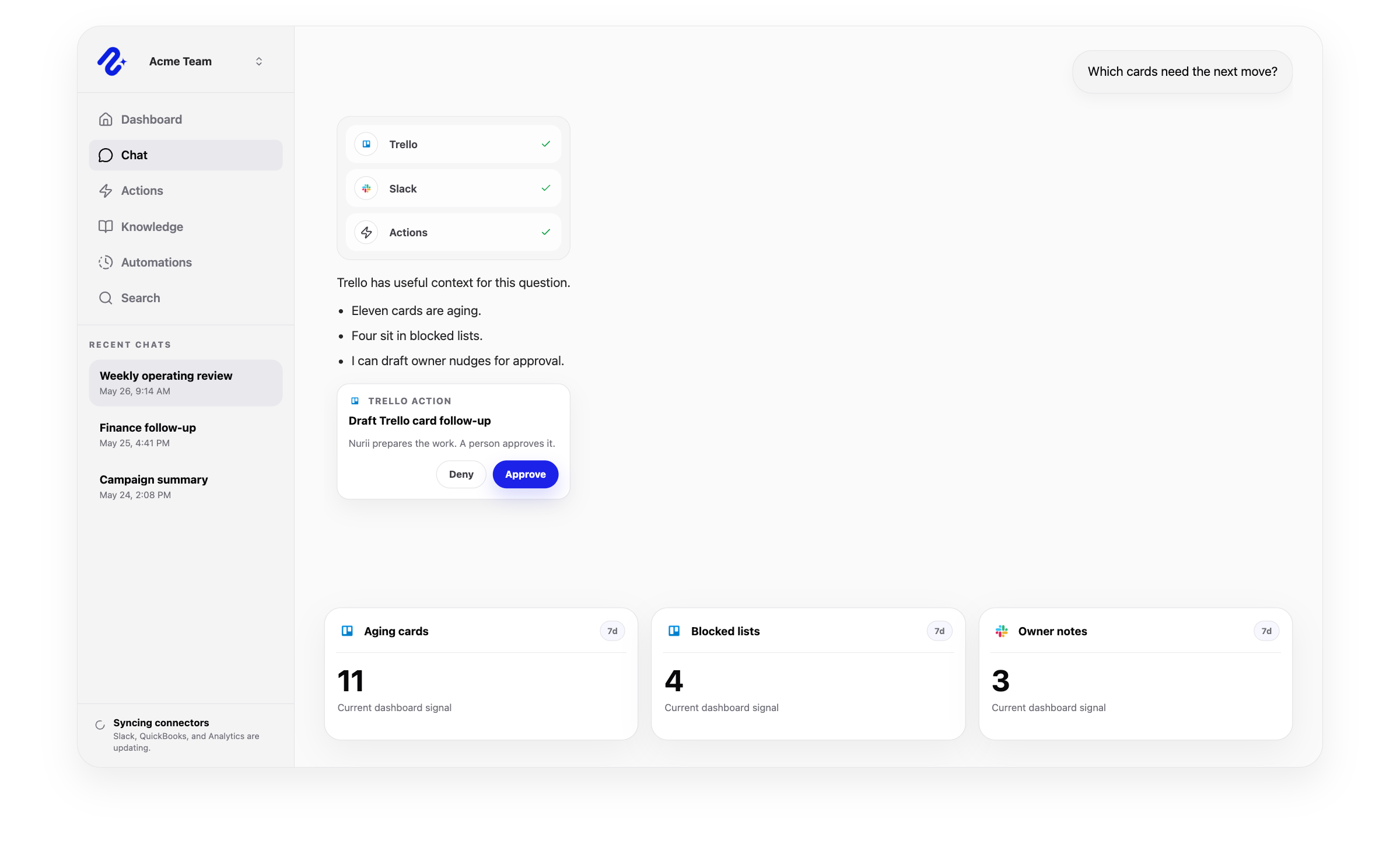
Nurii uses authorized Trello project management data for answers and workflows, with limits shown below.
Can use as context
Boards, lists, cards, members, labels, due dates, descriptions, and synced board activity.
Card event context for supported Trello automation starts, including new cards, list moves, member changes, due-date changes, archived changes, and new comments.
Authorized member-scoped Trello board inventory.
Project status context for AI answers, reports, and follow-up.
Actions Nurii can prepare
Create cards and lists.
Rename cards or lists; update descriptions; move, archive, or unarchive cards.
Comment, assign or unassign members, add or remove labels, set due dates, and mark due dates complete or incomplete.
Important boundaries
Uses member-scoped Trello connections and authorized boards.
Supported writes are prepared for review and depend on member permissions, connector setup, and enabled action access.
Excludes checklists, attachments, custom fields, board administration, bulk operations, and hard deletes.
Trello automation
Start AI workflows from Trello card changes.
Use card events with board, list, member, label, due-date, keyword, and loop-prevention rules.
Card created
Start a workflow when a card enters a selected board or list.
Card moved to a list
Respond when work enters a review, blocked, ready, or follow-up list.
Member changed
Prepare next steps when card assignments change.
Due date changed
Start reviews when card deadlines are added, moved, or cleared.
Archived status changed
Trigger cleanup, handoff, or review when archive status changes.
New comment
Turn new comments into summaries, drafts, or updates.
Yes. Nurii helps teams turn Trello boards into status answers, card-triggered workflows, capacity checks, and next-action recommendations.
What can teams do with Trello + Nurii?
Use Trello + Nurii for Board status summaries, Trello card-triggered workflows, Card follow-up drafts, Capacity and handoff reviews, AI chat, dashboards, reports, and supported follow-up.
What can Nurii access in Trello?
Authorized Trello data can include: Boards, lists, cards, members, labels, due dates, descriptions, and synced board activity. Card event context for supported Trello automation starts, including new cards, list moves, member changes, due-date changes, archived changes, and new comments. Authorized member-scoped Trello board inventory. Uses member-scoped Trello connections and authorized boards.
Can Nurii take action in Trello?
Yes. Your team controls when Nurii can run these supported actions: Create cards and lists. Rename cards or lists; update descriptions; move, archive, or unarchive cards. Comment, assign or unassign members, add or remove labels, set due dates, and mark due dates complete or incomplete.
Is the Trello integration shared or connected by each member?
Each authorized member connects their own Trello account for allowed workflows.
Can Nurii use Trello data in AI automations?
Yes. Authorized Trello data can start scheduled or card-triggered workflows from new cards, list moves, members, due dates, archive status, and comments. Actions depend on permissions and Nurii support.
Automate recurring work across your church systems.
Start with one verified report, check, or follow-up workflow.