
Can use as context
- Selected Slack channels and message context available to the connected member or bot.
- Channel activity used for chat answers, reports, and dashboards.
- Delivery destinations for scheduled reports.
Communication integration
Nurii uses selected Slack channels for answers, dashboard context, and scheduled report delivery so operational signals reach the places teams already watch.
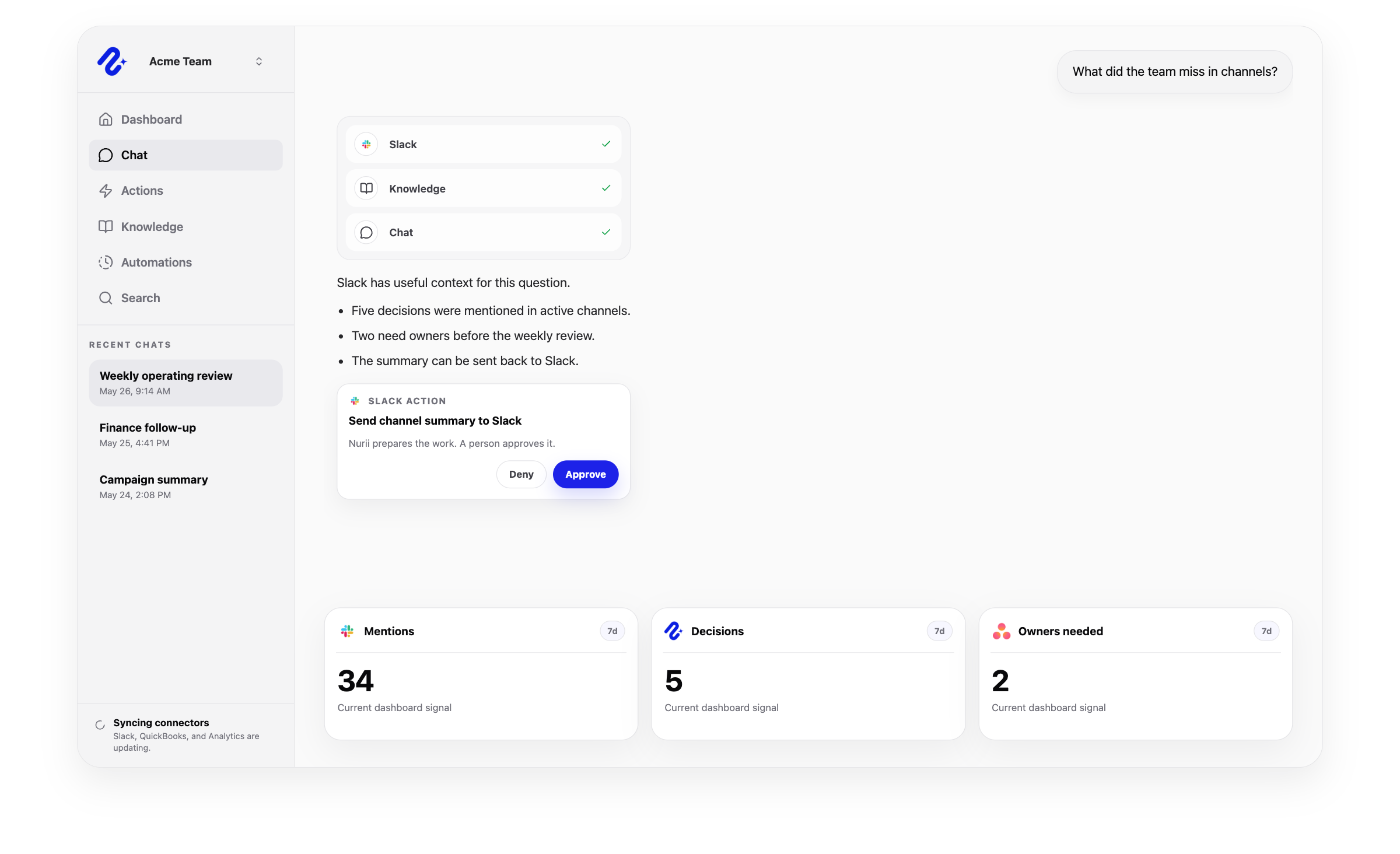

Access: Individual member connection. Use this connector in dashboards, AI chat, reports, and reviewed workflows.
Access and actions
Nurii uses authorized Slack communication data for answers and workflows, with limits shown below.
Common workflows
Use trusted communication data for recurring reviews and approved follow-up.
Church and nonprofit context
Send church staff briefs or nonprofit program reports to approved Slack channels and use selected context without treating Slack as the source of record.
Related platform
Dashboards
Turn connected app activity into AI operations dashboards, briefings, recommendations, and snapshots.
AI Chat
Ask across connected apps, selected files, Knowledge, dashboards, and approved memory in one business AI chat.
Automations
Run AI workflow automation on schedules or supported events for reports, monitoring, reviews, and approved follow-up.
Slack FAQ
Yes. Nurii uses selected Slack channels for answers, dashboard context, and scheduled report delivery so operational signals reach the places teams already watch.
Use Slack + Nurii for Channel activity briefs, Automation delivery, Team alignment reports, AI chat, dashboards, reports, and supported follow-up.
Authorized Slack data can include: Selected Slack channels and message context available to the connected member or bot. Channel activity used for chat answers, reports, and dashboards. Delivery destinations for scheduled reports. Uses member-scoped Slack access and selected channel allowlists.
Yes. Your team controls when Nurii can run these supported actions: Post messages to selected channels. Reply in threads. Update or delete messages posted by the Nurii bot.
Each authorized member connects their own Slack account for allowed workflows.
Yes. Authorized Slack data can support recurring reports, monitoring, and follow-up. Actions depend on permissions and Nurii support.
Start with one verified report, check, or follow-up workflow.